You vs Yourself
Website and member portal for a Charlotte private gym: classes, coaches and booking for the public, and a portal for owners, trainers and members.
- Next.js
- React
- TypeScript
- Supabase
- Tailwind CSS
The problem
The gym was open and busy, but bookings, sign-ups, waivers, check-ins and client progress lived in messages and paper, and the old site was a placeholder.
What we did
We built the full site and a member portal with separate views for owners, staff and members, and put a launch page in front of it until the public opening.
The result
The gym runs day to day from one portal, from class bookings and check-in to workouts and progress, while the public sees a launch page that collects a notify list.
“The website introduces You Vs Yourself in a way that reflects our focus on training and personal growth.”
The project
What the site is for.
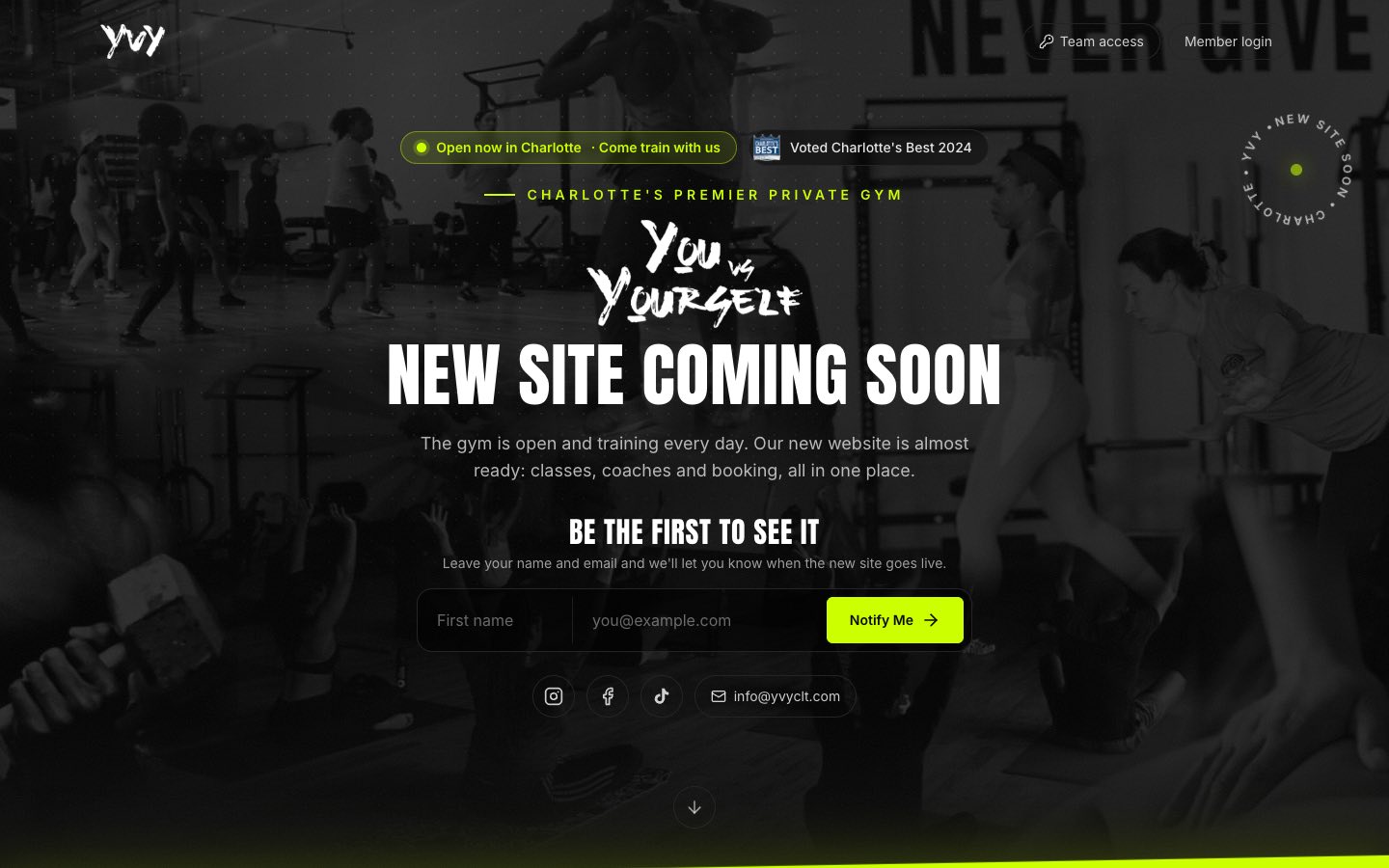
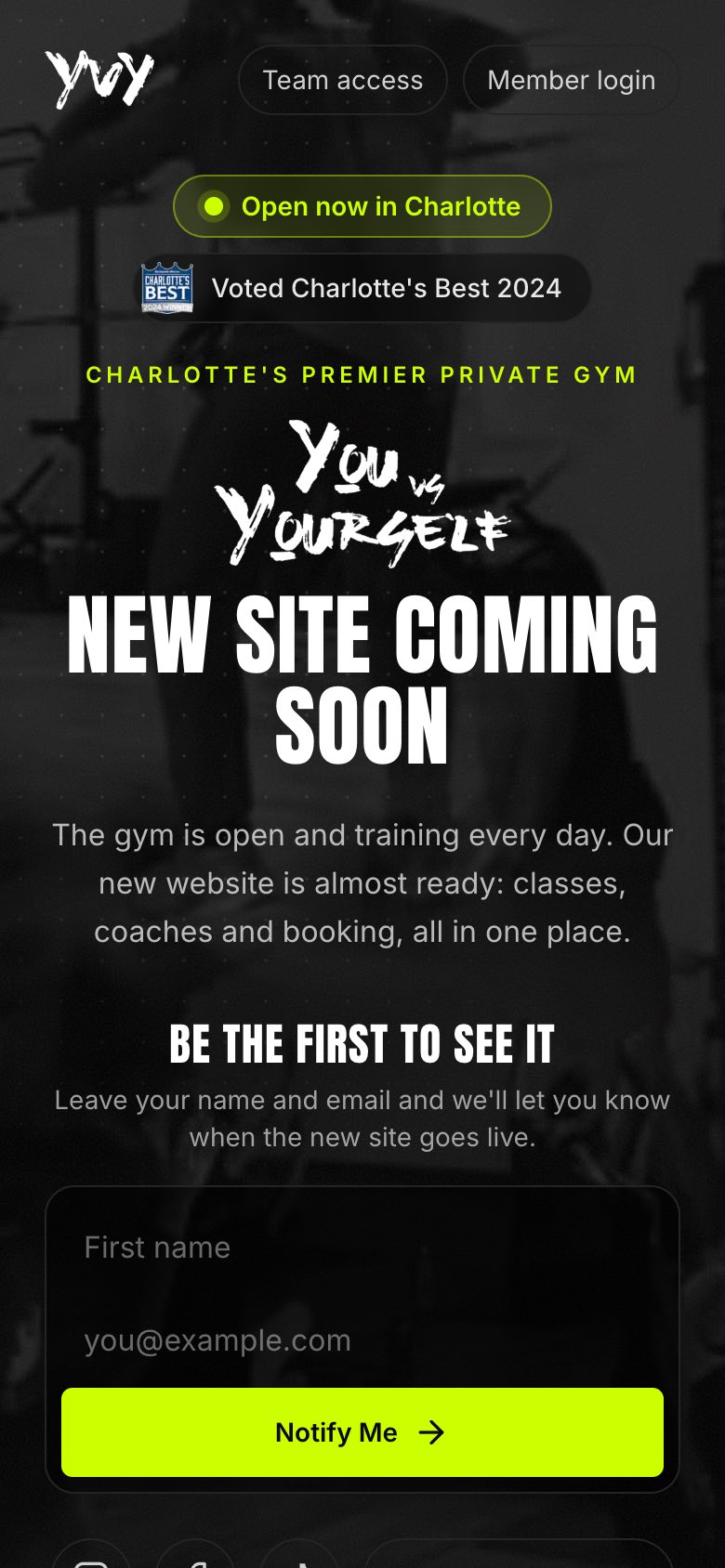
You vs Yourself, voted Charlotte's Best in 2024, trains at Camp North End and at the VAPA wellness center in Uptown. Until the new site opens to the public, visitors see a launch page: the gym is open now, here are the services and both locations with hours, and leave your name to hear when the site goes live. The team and members sign in from the same page.
Behind it is the full website: classes, skating, nutrition and meal prep, massage and recovery, CPR certification and private events, each with its own page of class times, coaches, photos and FAQs. People can book an assessment or ask about private events, and the owners edit every headline, service, coach, event and testimonial from the portal.
The portal gives owners, staff and members their own views. Members sign the waiver online, book classes with spot limits and an automatic waitlist, book 1:1 sessions, log workouts, and track weight, measurements, lifts and before-and-after photos. Trainers get a week calendar, workout templates and member programs; a front-desk tablet and a QR code at the door handle check-in.
Owners see what needs attention, approve new accounts, follow leads, run monthly challenges, and pull reports and spreadsheet exports. They decide which roles can see coaching notes and progress, and staff have a searchable Help & How-To guide so they don't need to ask how things work. Members can add YVY to their phone's home screen like an app.
Highlights
What went into it.
Launch page with a notify list, services, locations and hours
Service pages with class times, coaches, photos and FAQs
Member portal: waiver, class booking with waitlist, 1:1 sessions
Workout logs, progress charts and before-and-after photos
Trainer calendar, workout templates and member programs
Front-desk check-in kiosk and QR code at the door
Owners edit the whole website from the portal
Leads board, challenges, reports and staff Help guide
More work